Beginner's signiture tutorial using MS Paint.
 Posted: Sun Mar 02, 2008 10:39 am
Okay, so, let's start this thing off.
First, you go to your start menu.
Then find all programs, and go to accessories.
You should find paint there.

Open it up.
Next, change the canvas size to something similar to the size of mine on the picture below...
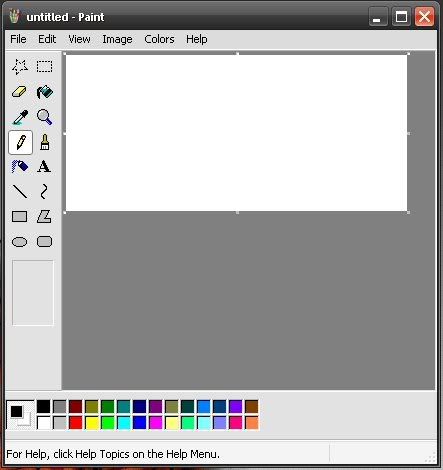
Then, select the text tool.
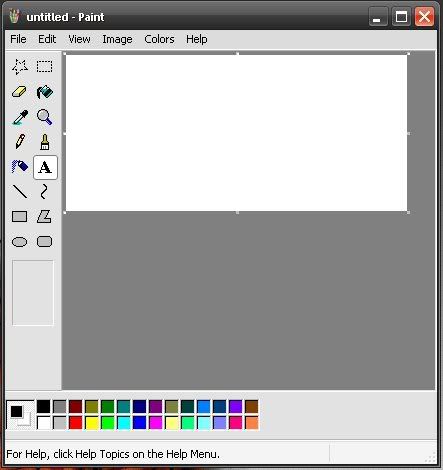
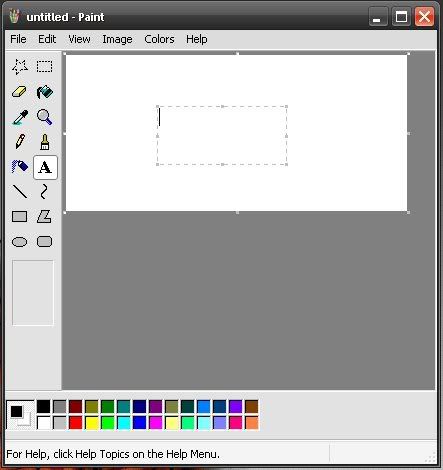
Now, highlight an area and type in your name.
See! Look how good it is so far!
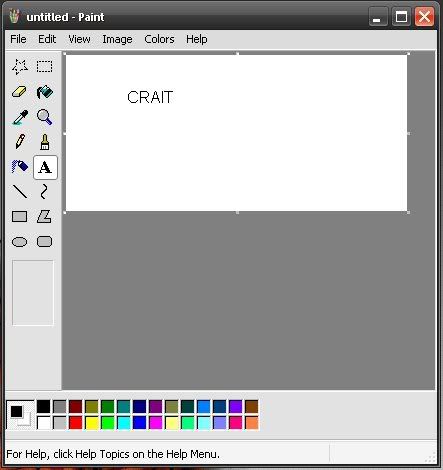
Now, select the line tool.
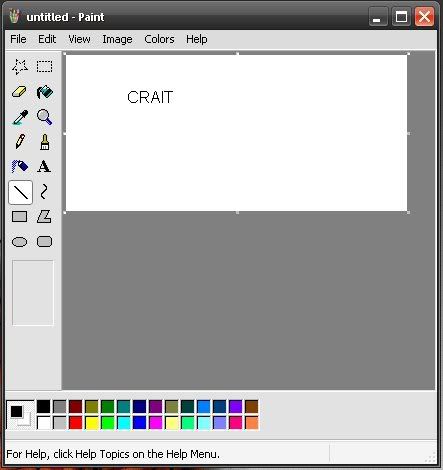
Lastly, make random lines!
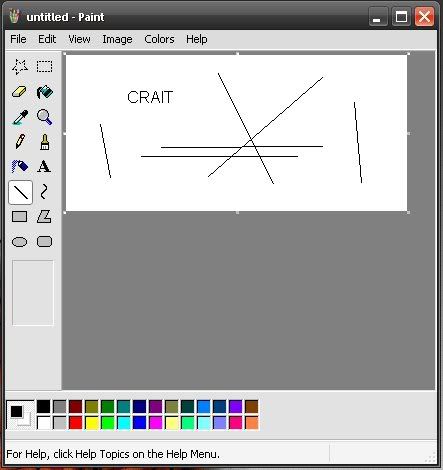
And you're done! Isn't that awesome?!
Once you practice enough, you can get good enough to make some like mine!

First, you go to your start menu.
Then find all programs, and go to accessories.
You should find paint there.
Open it up.
Next, change the canvas size to something similar to the size of mine on the picture below...
Then, select the text tool.
Now, highlight an area and type in your name.
See! Look how good it is so far!
Now, select the line tool.
Lastly, make random lines!
And you're done! Isn't that awesome?!
Once you practice enough, you can get good enough to make some like mine!


 [/img]